Terminal Simulator
A downloadable tool
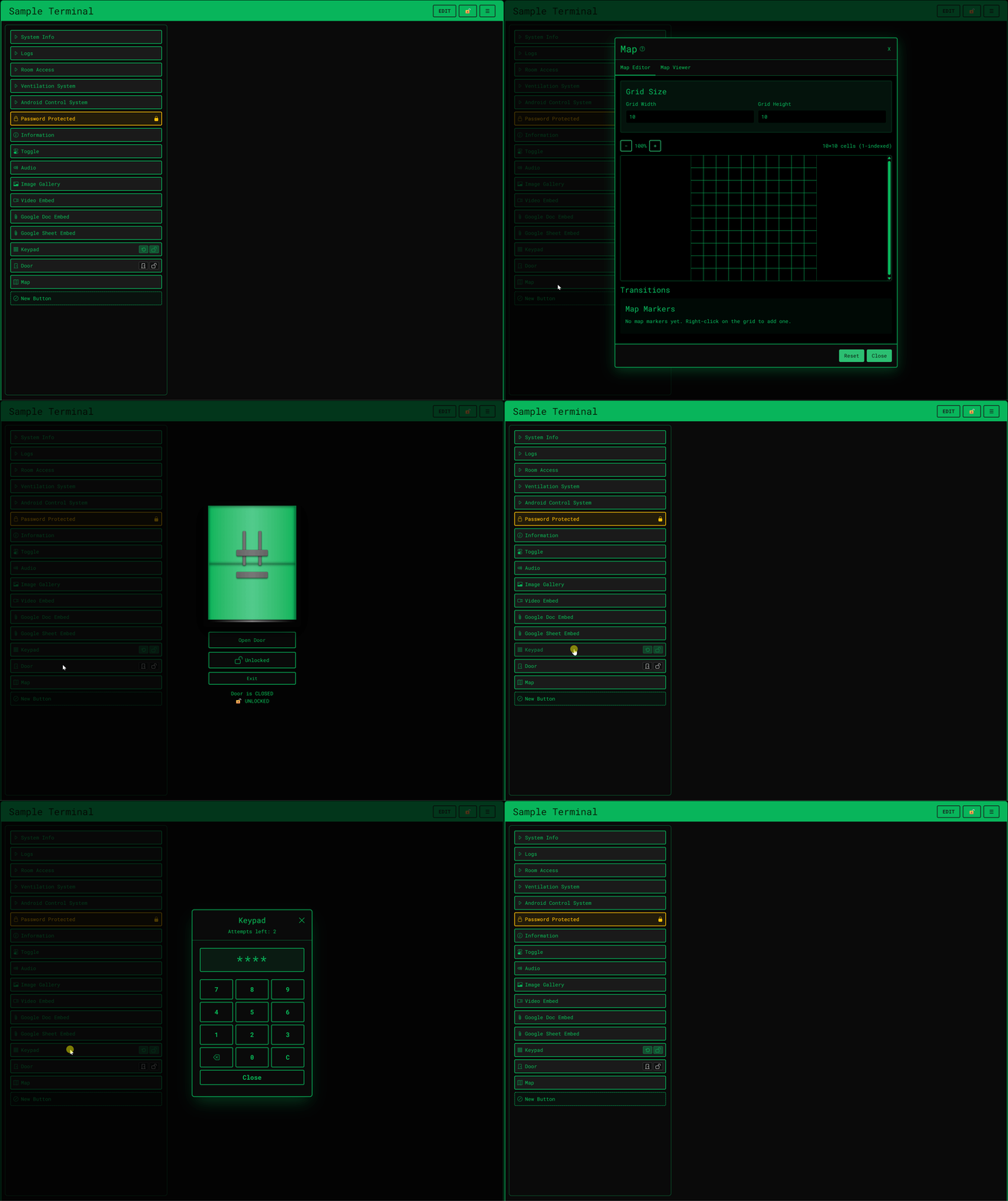
Terminal Simulator is a live digital prop for TTRPGs, escape rooms, and interactive fiction. Build layered control panels with passwords, keypads, doors, maps, audio, and embedded documents, then run them in real time while your players operate the interface themselves.
EDITIONS
Desktop Edition (Windows): Host from your PC with a one-time purchase license. Unlimited terminals, all button types, and local storage. Players join from any browser. No account required for players.
Cloud Edition: Build and host in the browser. Free account to get started, with optional subscription tiers for more terminals, storage, and advanced features.
Full pricing and plan comparison: https://terminal.tiesthatbindgaming.com/pricing
AT THE TABLE
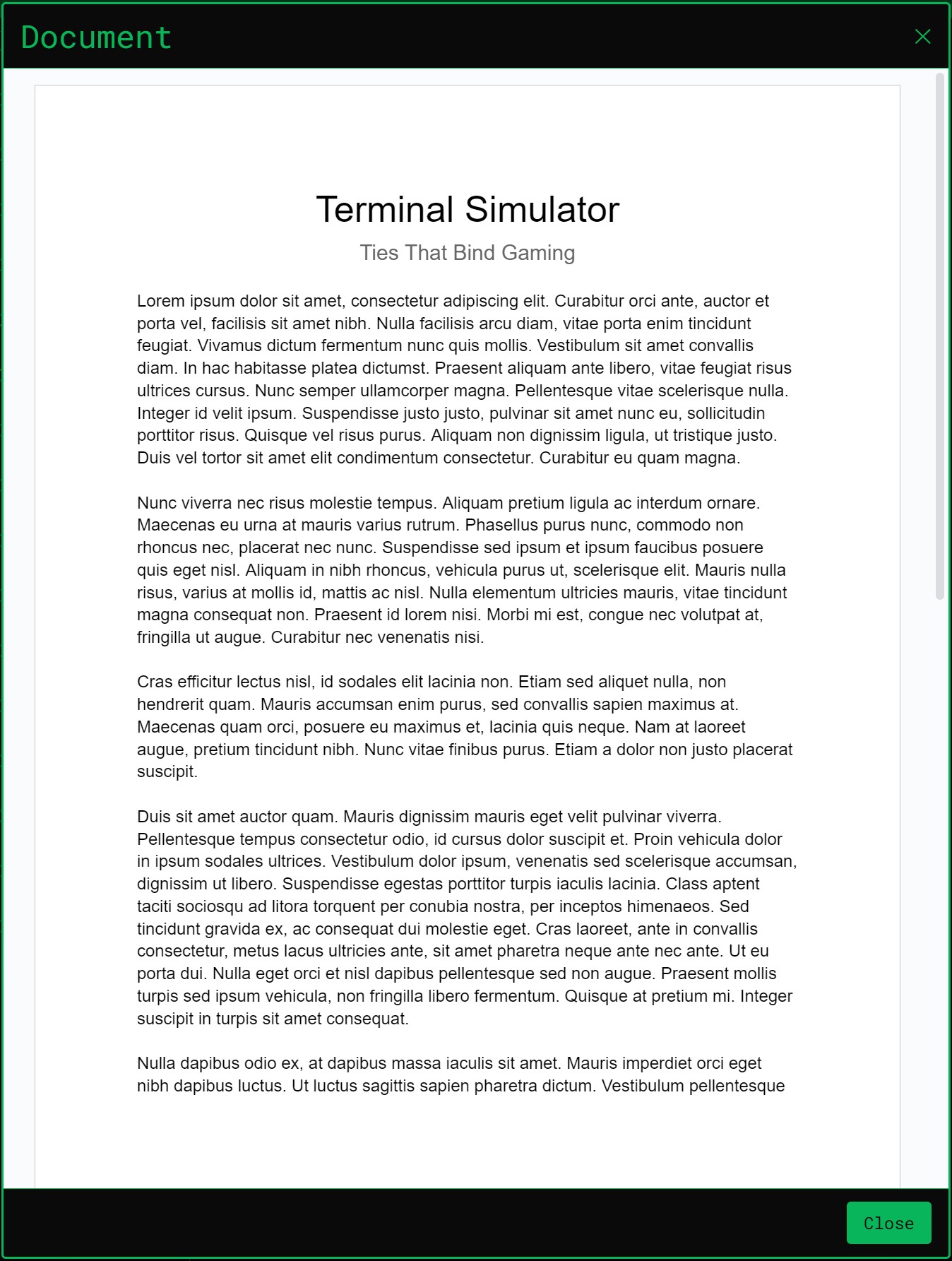
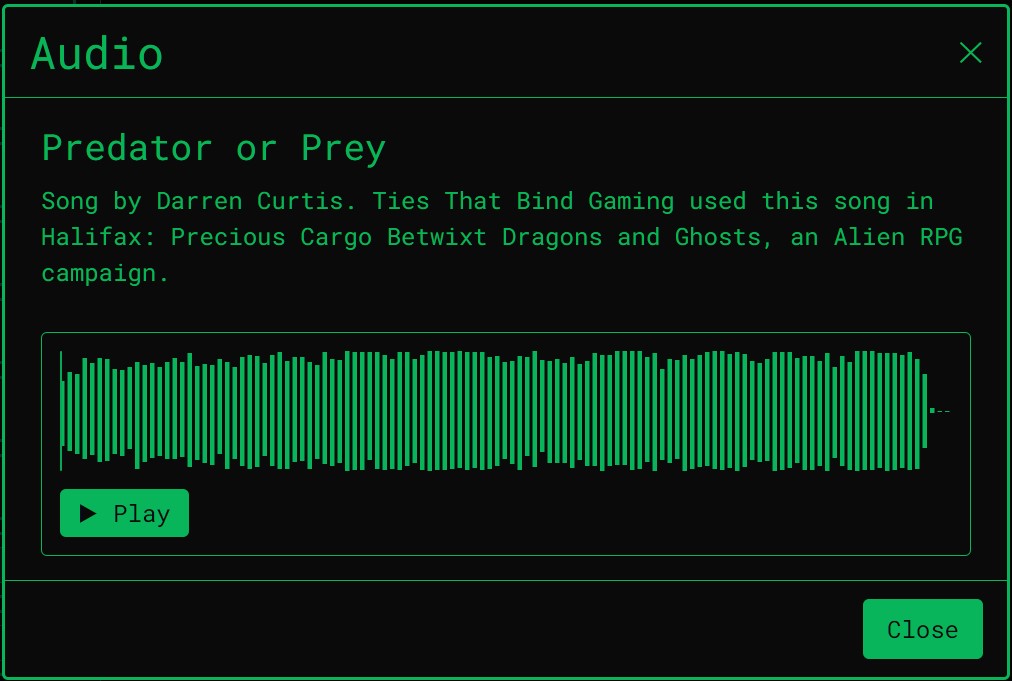
Imagine your operators infiltrating a derelict research facility. They are not rolling dice to pretend they are using a computer. When they open the interface you prepared, their screens become a live, functioning terminal. They navigate the system manually, read classified logs you embedded from Google Docs, and trigger video feeds to uncover the truth.
When the host or an operator changes a blast door or unlocks a file, every connected screen updates instantly, whether players are at the table or joining remotely. It is not a static image. It is a synchronized environment you run live.
FEATURES
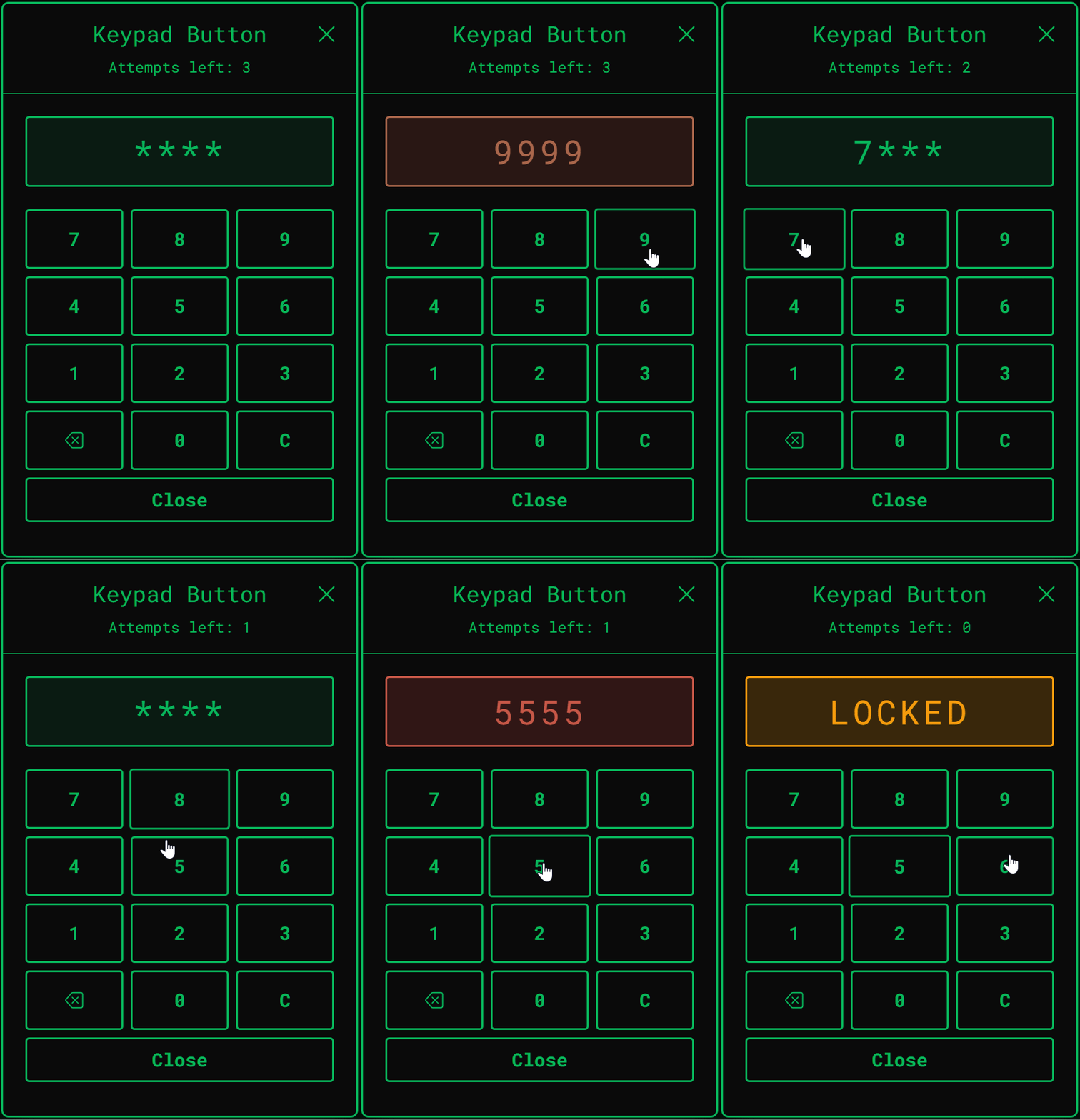
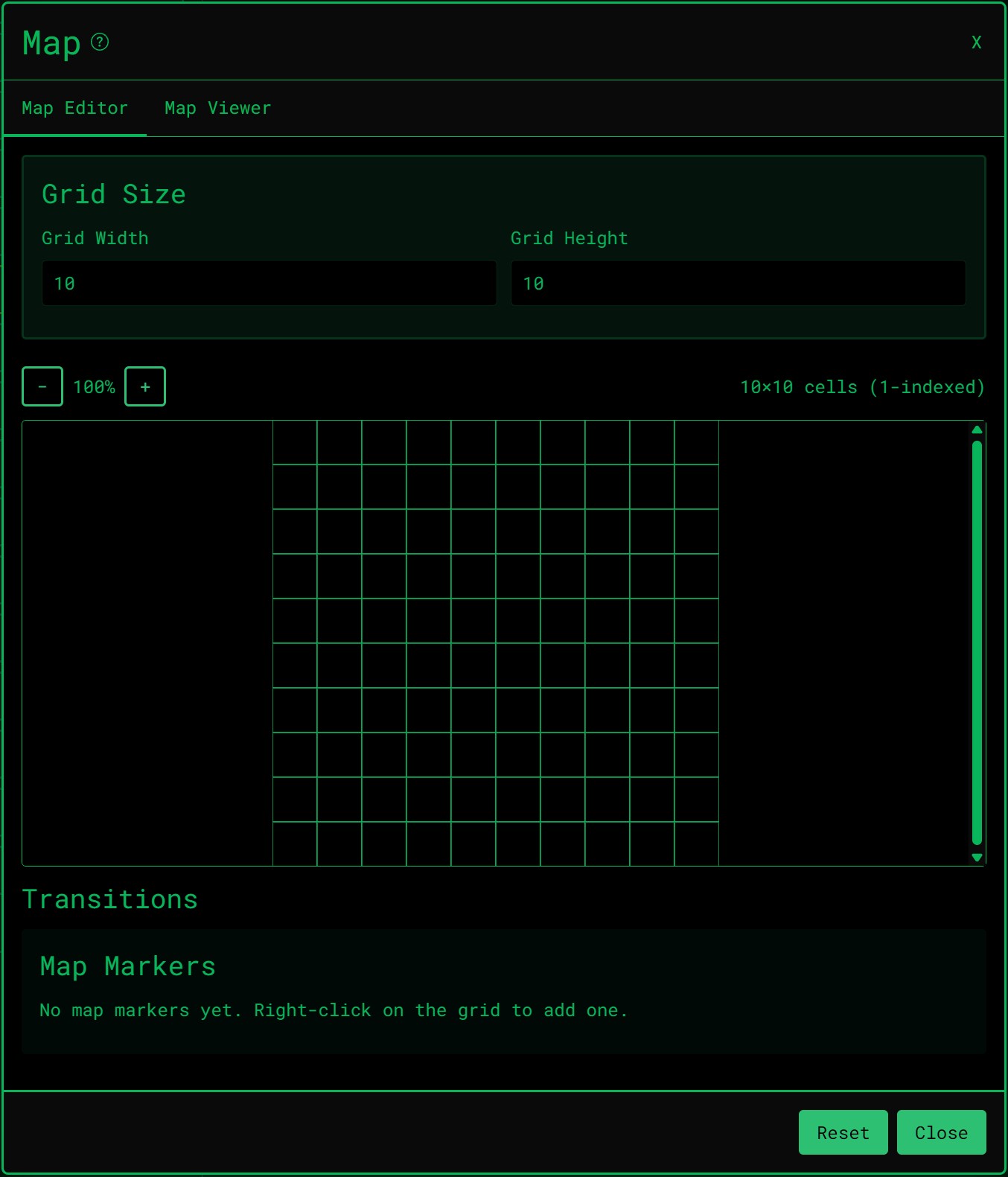
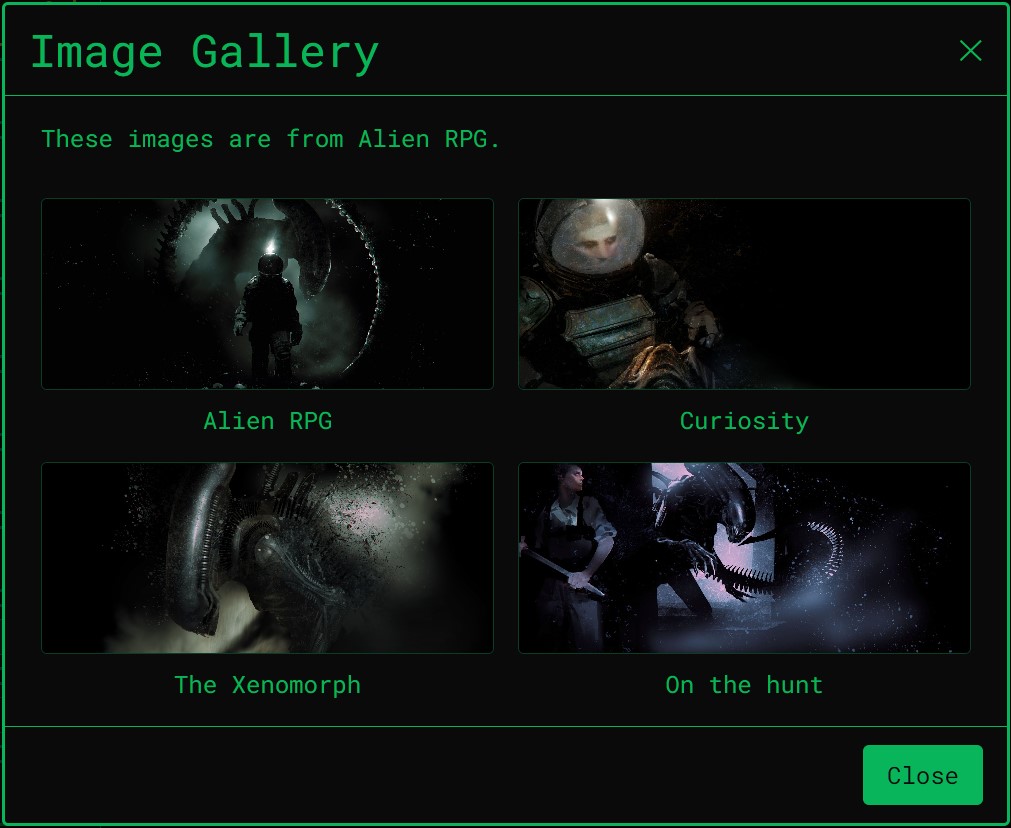
- 12+ interactive button types: doors, keypads, toggles, maps, audio/video, Google Docs, and more
- Shared live session: when the host or any operator uses the terminal, everyone connected sees the same screen in real time (the host can hide the terminal from all or selected operators)
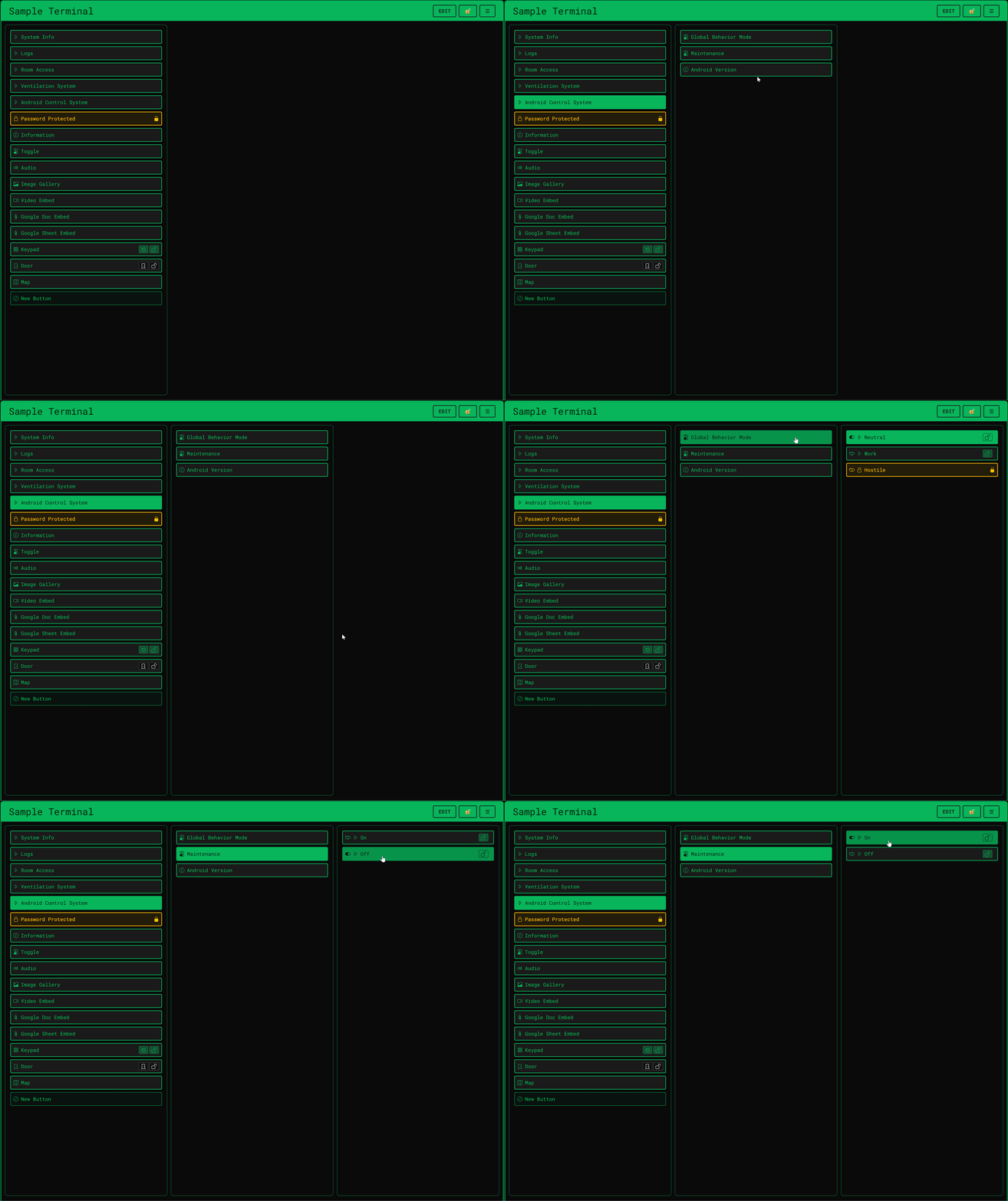
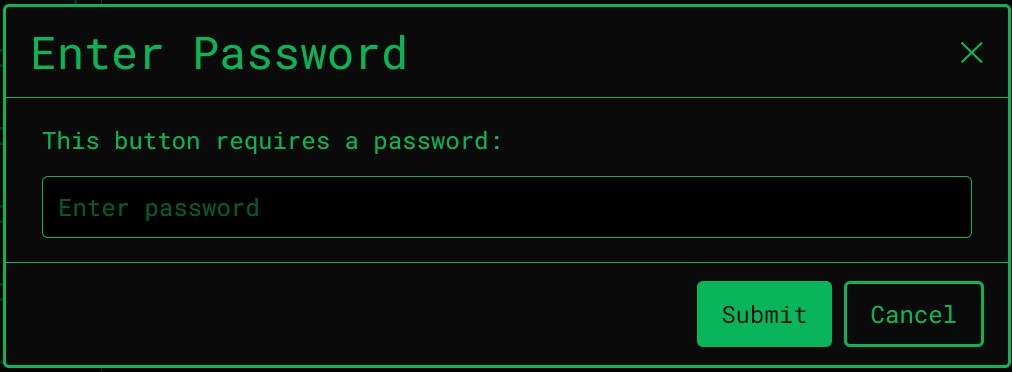
- Layered access: nested menus and credential-gated systems
- Custom themes and sound packs for cyberpunk, bridge console, facility terminal, and more
- Players join free: only the host needs a license (Desktop) or paid tier (Cloud)
- Works at the table or remotely: LAN, VTT side-by-side, or remote via browser
GETTING STARTED
- Download the Windows app from this page, or sign up free for Cloud at https://terminal.tiesthatbindgaming.com
- Build your first terminal in the editor
- Share a join link or session code with your players
- Run the session live from Host controls
User guide and setup help: https://terminal.tiesthatbindgaming.com/user-guide
WINDOWS NOTE
Windows may show a security prompt for unsigned apps. Choose More info, then Run anyway. Code signing is planned for a future release.
Stop describing the computer terminal to your group. Let them operate it themselves.
Terminal Simulator is a product of Ties That Bind Gaming.
Website: https://terminal.tiesthatbindgaming.com
Pricing: https://terminal.tiesthatbindgaming.com/pricing
Download Desktop: https://terminal.tiesthatbindgaming.com/download/desktop
Download
Install instructions
GET STARTED
Click the link on this page (or go to https://terminal.tiesthatbindgaming.com/pricing).
Choose your edition:
- Desktop Edition (Windows)
- purchase one-time host license; download the installer or portable app from our site after purchase (or download free to join as a player).
- Cloud Edition
- sign up free in your browser; optional subscription for more terminals and storage.
DESKTOP EDITION (WINDOWS)
Choose a build:
- Installer (recommended)
- Installs like a normal Windows app. You can choose the install location and whether to add a desktop shortcut. The installed app checks for updates automatically; use Dashboard → About to check manually or install a downloaded update.
- Portable
- No install — run from a folder or USB. The app can notify you when a newer version is available, but you download the update from the download page or About tab (portable does not update itself in place).
Then:
- If Windows SmartScreen appears, click More info, then Run anyway (the app is not code-signed yet).
- Sign in with your Terminal Simulator account.
- Activate your host license if you purchased one, then create a terminal and start a session.
Players joining your session do not need a license. They can use a browser or the free desktop app.
CLOUD EDITION
No install required. Create a free account at https://terminal.tiesthatbindgaming.com, build a terminal in the dashboard, and share the join link with your players.
SYSTEM REQUIREMENTS (DESKTOP)
- Windows 10 or 11 (64-bit)
- Internet for first-time license activation (hosts only)
- No extra libraries or runtimes required
HELP
- Pricing and plans: https://terminal.tiesthatbindgaming.com/pricing
- Download Desktop: https://terminal.tiesthatbindgaming.com/download/desktop
- User guide: https://terminal.tiesthatbindgaming.com/user-guide
Development log
- Try Terminal Simulator in your browser26 days ago
- Terminal Simulator Desktop Launch27 days ago
- Terminal Simulator LaunchesDec 15, 2025
Leave a comment
Log in with itch.io to leave a comment.