Diegetic Simulators
A downloadable tool for Windows
Diegetic Simulators builds digital props for TTRPGs and interactive fiction. Build layered control panels with passwords, keypads, doors, maps, audio, and embedded documents, or standalone archives your characters browse in-world, then run them in real time while your players operate the interface themselves.
PRODUCTS
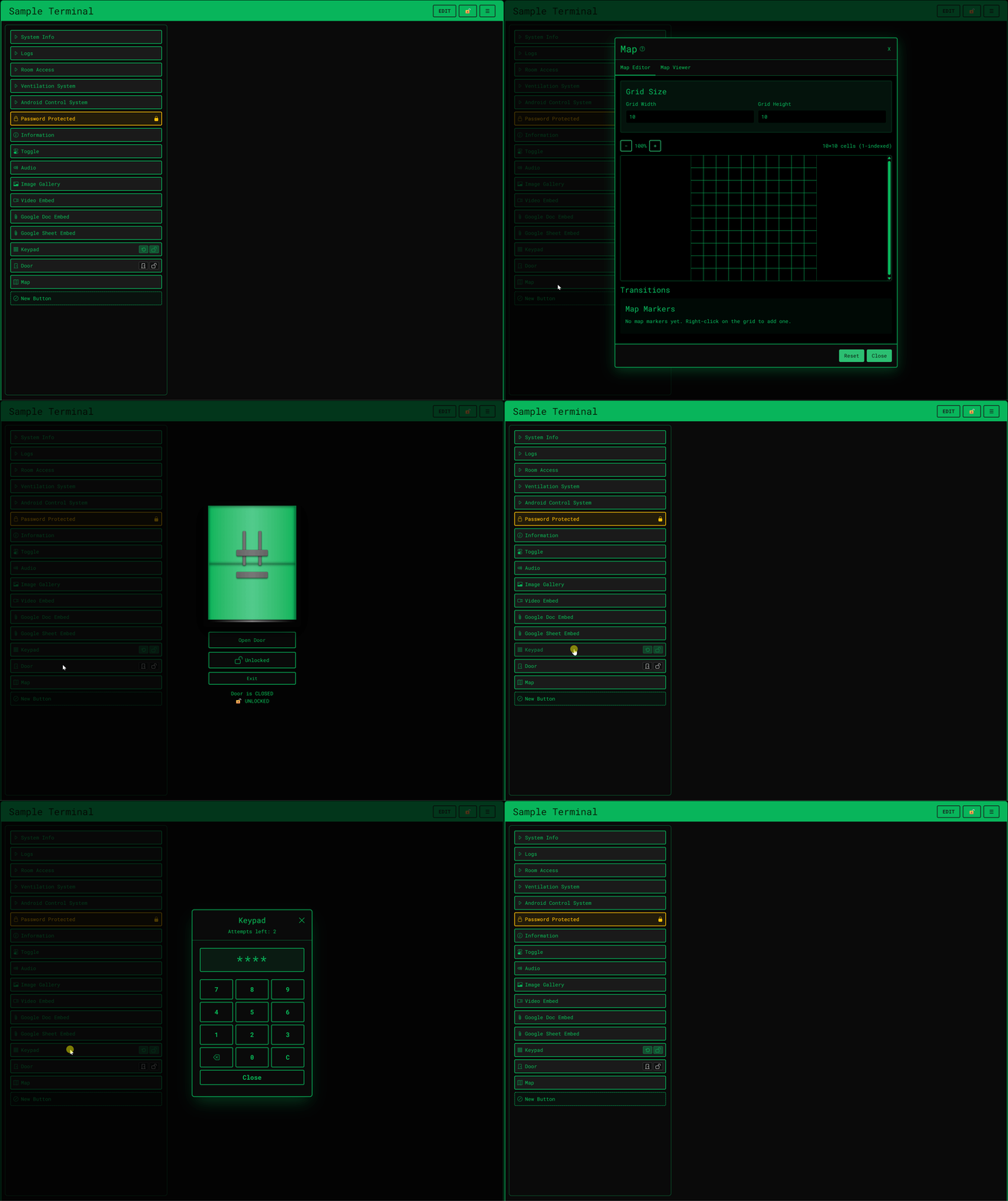
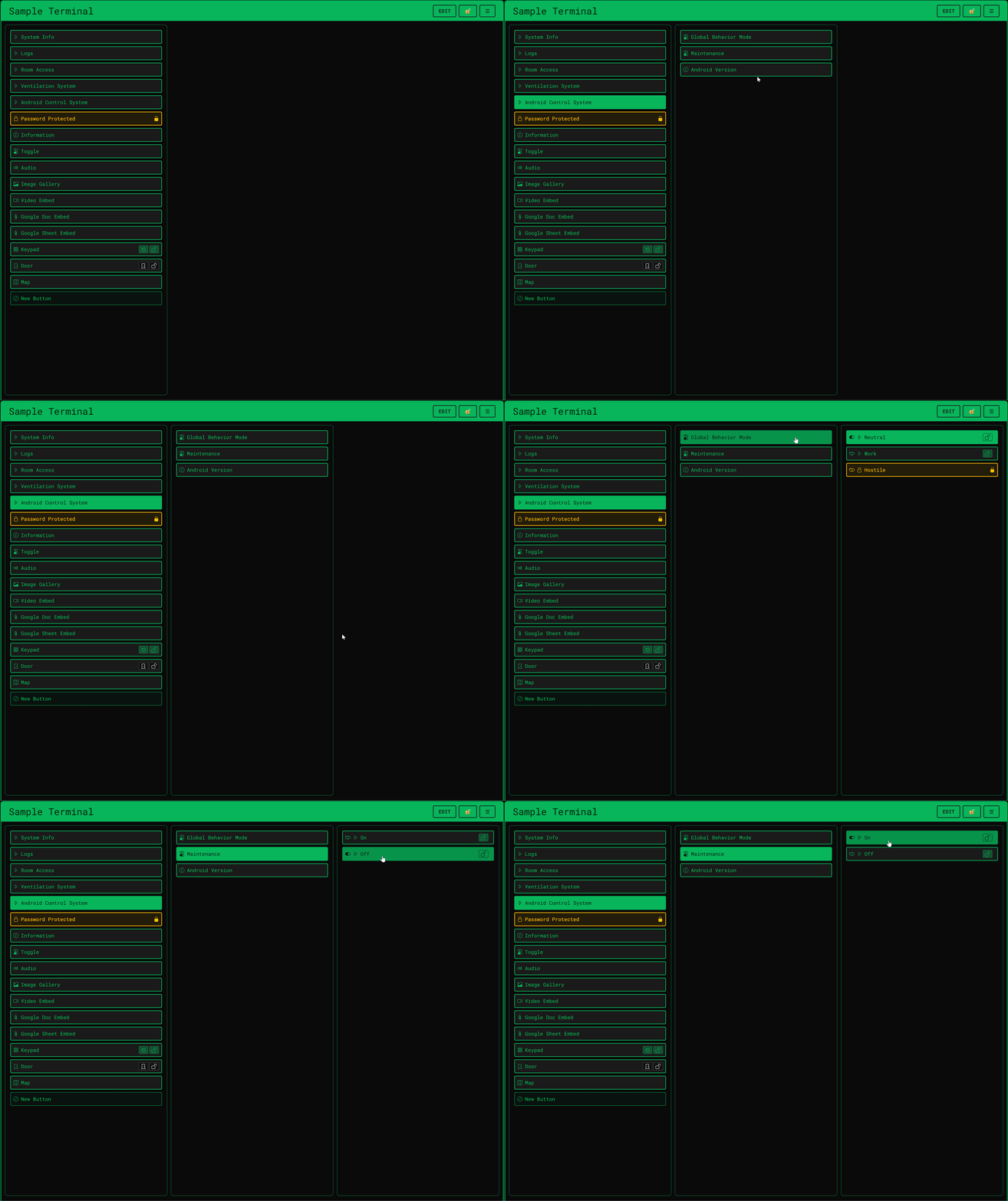
- Diegetic Terminals: a live, synchronized control panel your operators navigate manually, complete with doors, keypads, encrypted files, multimedia buttons, and so much more.
- Diegetic Databases: an in-fiction database, character dossiers, star charts, bestiaries, and more, browsed independently by each operator on their own device. Same buttons and theming as a Diegetic Terminal, and shares your plan.
EDITIONS
Cloud Edition: Build and host in the browser. Start with a 14-day free trial, then choose a Basic or Pro subscription for more terminals, storage, and advanced features.
Desktop Edition (Windows): Host from your PC with a one-time purchase license. Unlimited terminals and databases, all button types, and local storage. Players can join from any browser. No account required for operators.
Full pricing and plan comparison: https://diegeticsimulators.com/pricing
AT THE TABLE
Imagine your operators infiltrating a derelict research facility. They are not rolling dice to pretend they are using a computer. When they open the Diegetic Terminal you prepared, their screens become a live, functioning interface. They navigate the system manually, read classified logs you embedded from Google Docs, and trigger video feeds to uncover the truth. Meanwhile, each player can pull up the ship's Diegetic Database on their own device to browse crew files or star charts at their own pace.
Diegetic Terminal: When the host or an operator changes a blast door or unlocks a file, every connected screen updates instantly, whether operators are at the table or joining remotely. It is not a static image. It is a synchronized environment you run live.
FEATURES
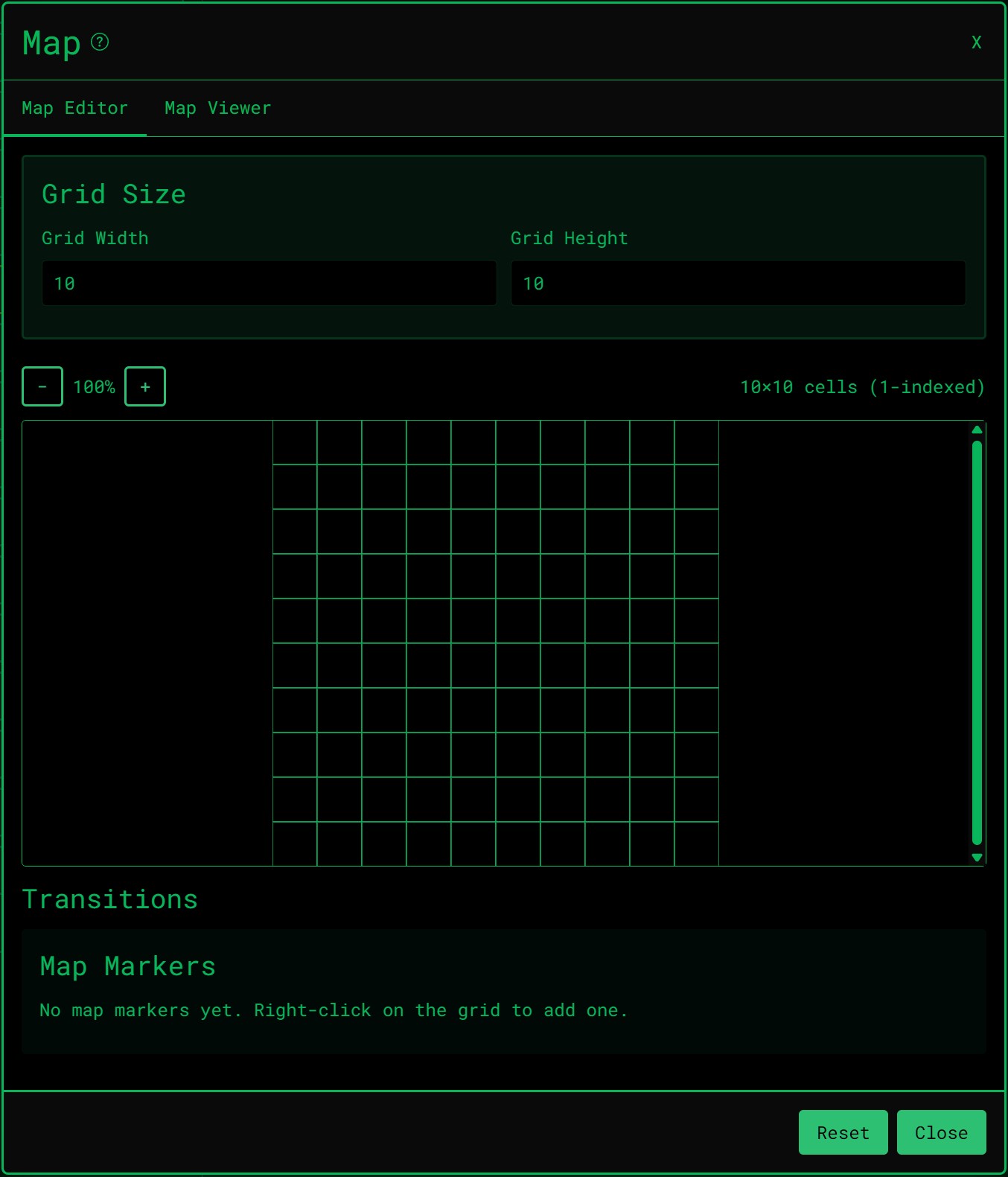
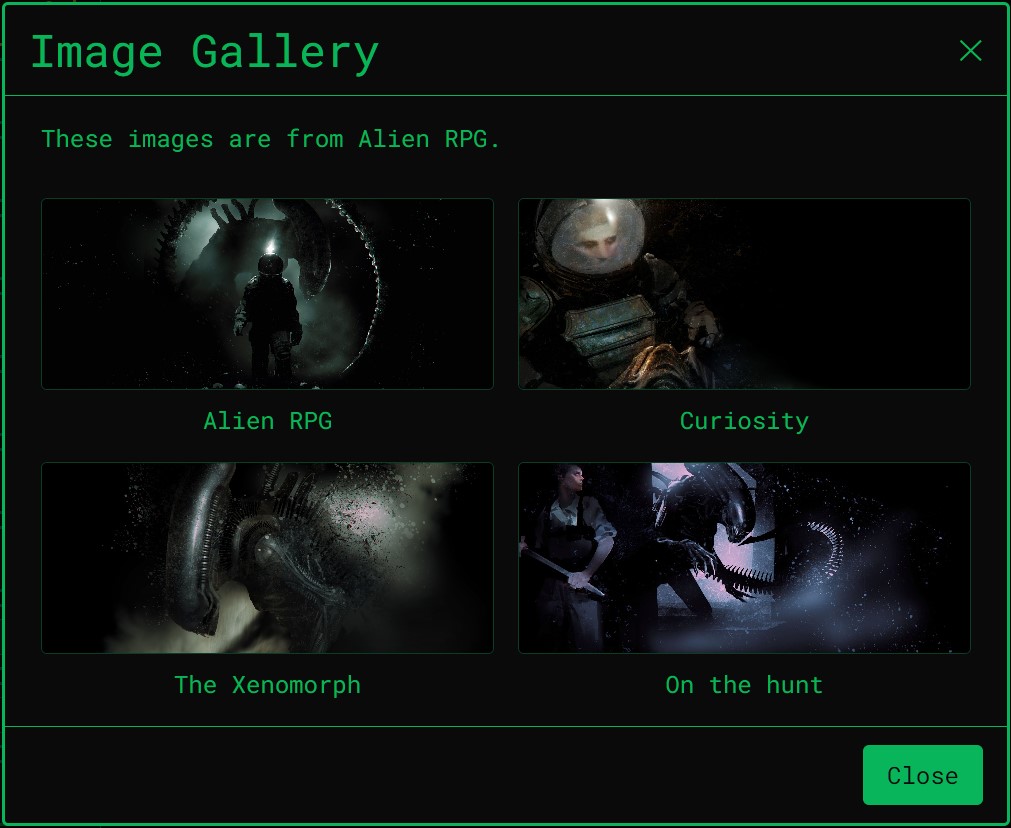
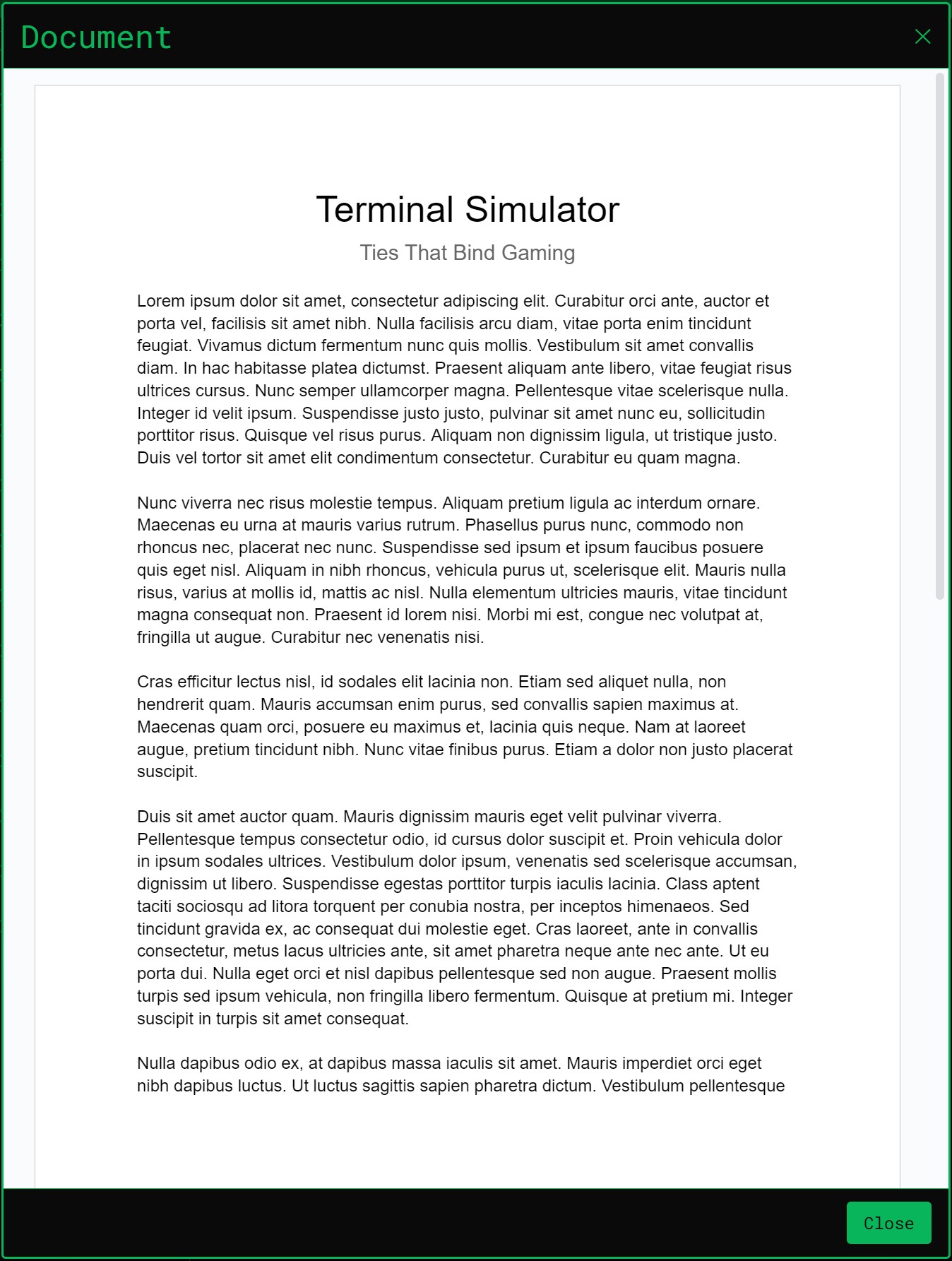
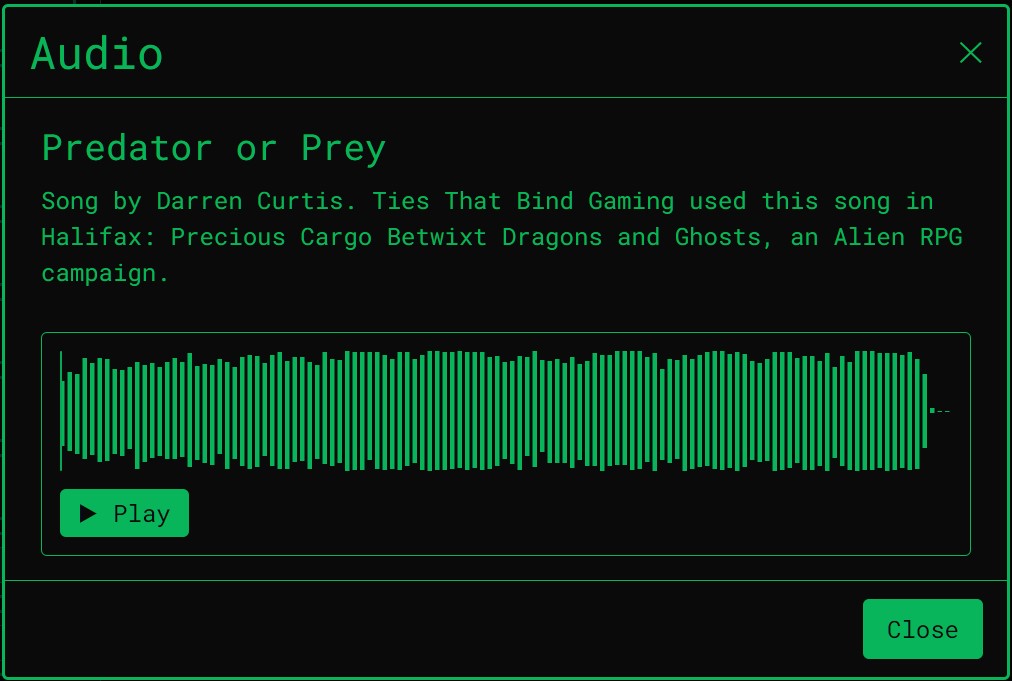
- Button types: doors, keypads, maps, audio and video players, YouTube embeds, image galleries, and Google Docs/Sheets embeds
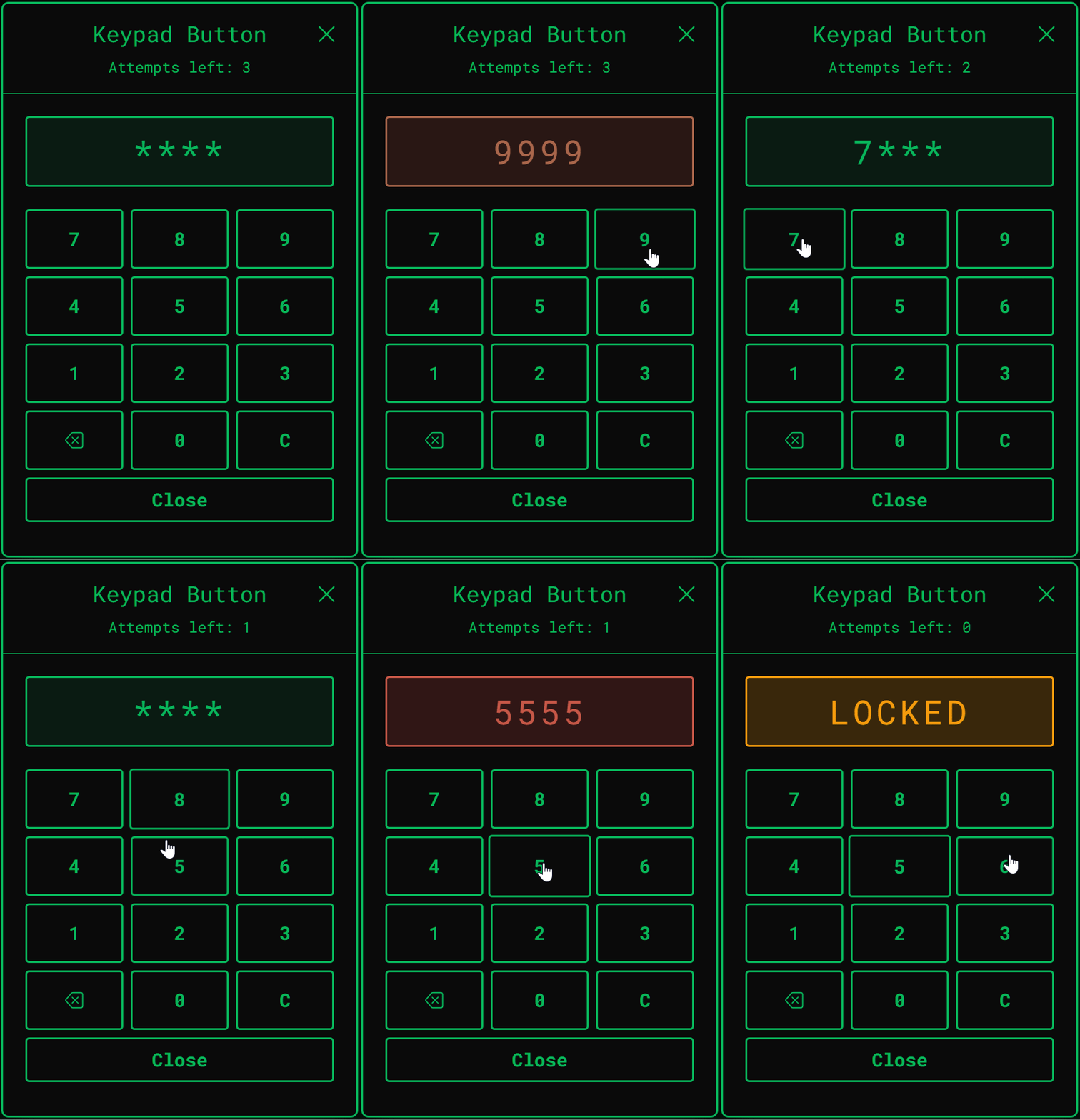
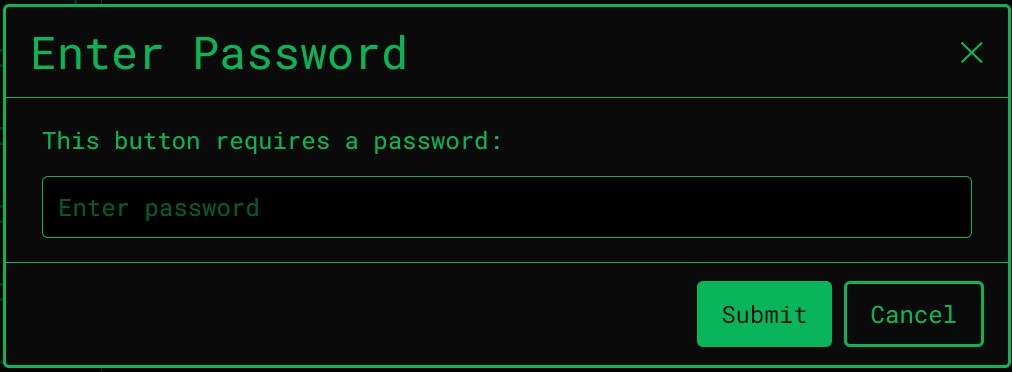
- Security protocols: gate any button behind a password, numeric keypad, or a hacking mini-game
- Encrypted content: lock information, images, video, audio, or YouTube behind decryption progress, with an optional stat-check flow for supported TTRPG systems
- Atmosphere control: a live mood panel for warning/critical states, glitches, signal degradation, and sound, with one-click scenes and saved macros
- Weather and visual effects: WebGL rain, snow, storm, wind, and fog overlays, plus CRT intensity and boot sequence animation
- Countdown timer: a synced on-screen clock with Shutdown, Break, or Explode outcomes, each with matching sound and cinematic
- Nine terminal themes: Classic, Alien, Spaceship, Horror, Retro, Cyberpunk, Military, Synthwave, and Arctic, each with its own palette, font, door style, and sounds
- Shared live session: when the host or any operator uses the terminal, everyone connected sees the same screen in real time (the host can hide the terminal from all or selected operators)
- Players join free: only the host needs a subscription (Cloud) or license (Desktop). Works at the table or remotely: LAN, VTT side-by-side, or remote via browser
ALIEN RPG INTEGRATION (Optional)
Running Alien RPG (Core or Evolved)? Turn it on and hacking checks and encrypted content pull directly from your operators' actual character sheets: their Wits, Comtech, and skill pool set the number of attempts and time pressure on any hacking or decryption check, no manual GM math required. Nine standalone tools are built in alongside your terminal:
- Combat Tracker
- Contract & Cargo
- Creature Generator
- NPC Generator
- Panic Simulator
- Ship Generator
- Space Travel
- Star System Generator
- Supply & Salvage
TRY IT NOW
Want to see it running before you download or sign up for anything? Open the live demo terminal, fully interactive, no account required.
- Demo: https://diegeticsimulators.com/demo (best viewed on a tablet or desktop screen)
Stop describing the computer terminal to your group. Let them operate it themselves.
Diegetic Simulators is a product of Ties That Bind Gaming.
Website: https://diegeticsimulators.com/
Download
Install instructions
GET STARTED
Click the link on this page (or go to https://diegeticsimulators.com/pricing).
CHOOSE YOUR EDITION
Desktop Edition (Windows) purchase one-time host license; download the installer or portable app from our site after purchase (or download free to join as a player).
Cloud Edition sign up for a free 14-day trial in your browser, then choose a Basic or Pro subscription for more terminals and storage. DESKTOP EDITION (WINDOWS)
CHOOSE A BUILD
- Installer (recommended)
- Installs like a normal Windows app. You can choose the install location and whether to add a desktop shortcut. The installed app checks for updates automatically; use Dashboard → About to check manually or install a downloaded update.
- Portable
- No install. Run from a folder or USB. The app can notify you when a newer version is available, but you download the update from the download page or About tab (portable does not update itself in place).
THEN
- If Windows SmartScreen appears, click More info, then Run anyway (the app is not code-signed yet).
- Sign in with your TTRPG Terminal Simulator account.
- Activate your host license if you purchased one, then create a terminal and start a session.
- Players joining your session do not need a license. They can use a browser or the free desktop app.
WINDOWS NOTE
Windows may show a security prompt for unsigned apps. Choose More info, then Run anyway. Code signing is planned for a future release (it is expensive).
If your installed build gets too old, the app will ask you to update before you can host new sessions (this only affects hosting; you can still join as a player on an older build).
CLOUD EDITION
No install required. Start a free 14-day trial at https://diegeticsimulators.com, build a terminal in the dashboard, and share the join link with your players.
SYSTEM REQUIREMENTS (DESKTOP)
Windows 10 or 11 (64-bit) Internet for first-time license activation (hosts only) No extra libraries or runtimes required HELP
Pricing and plans: https://diegeticsimulators.com/pricing
User guide: https://diegeticsimulators.com/user-guide
Development log
- Try Terminal Simulator in your browser57 days ago
- Terminal Simulator Desktop Launch58 days ago
- Terminal Simulator LaunchesDec 15, 2025
Leave a comment
Log in with itch.io to leave a comment.